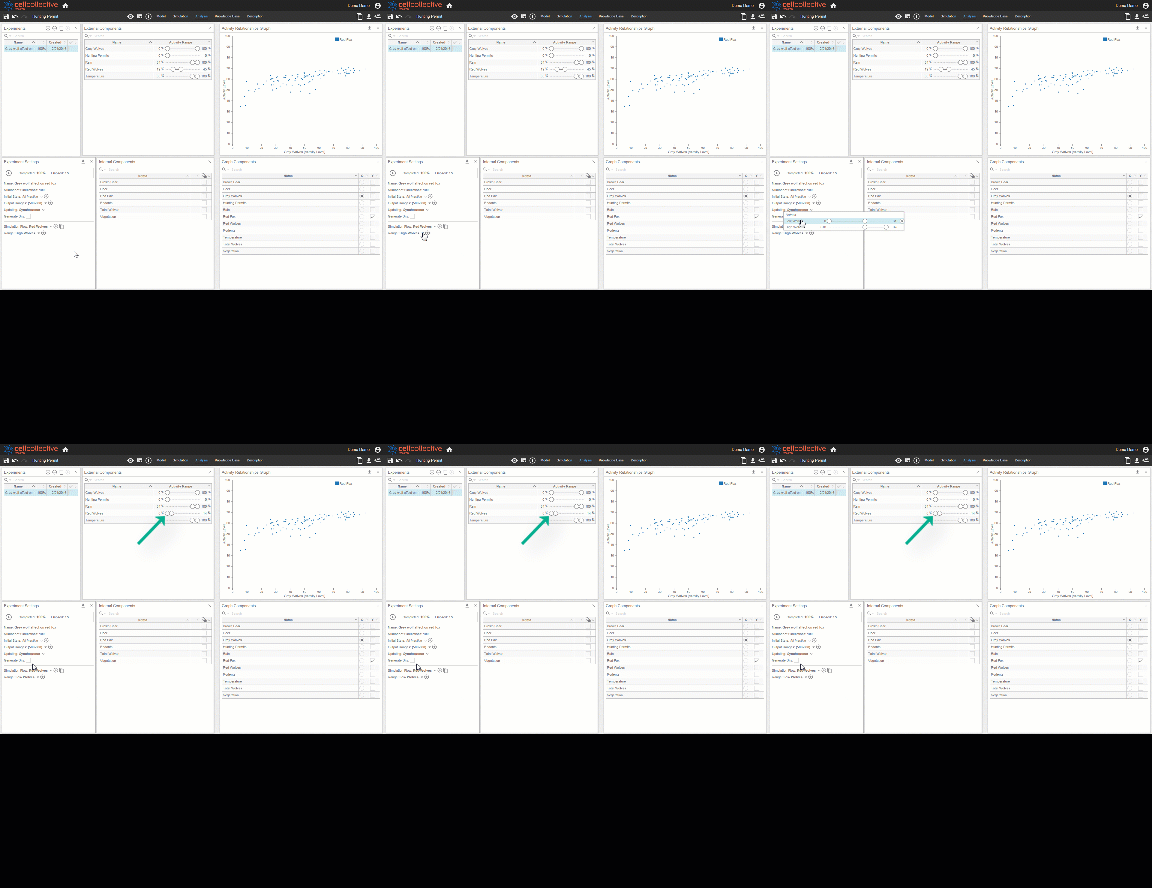
Simulation Flows Component
When simulation inputs are specified (via the sliders on the External Components panel), the inputs remain constant at all time points throughout the experiment. However, the simulation flow feature allows users to vary external input levels at specific time points during the course of an experiment
Analysis Simulation Flows
- Click on
 next to Simulation Flow to add a new flow. Simulation flows may be renamed by simply clicking on the form field
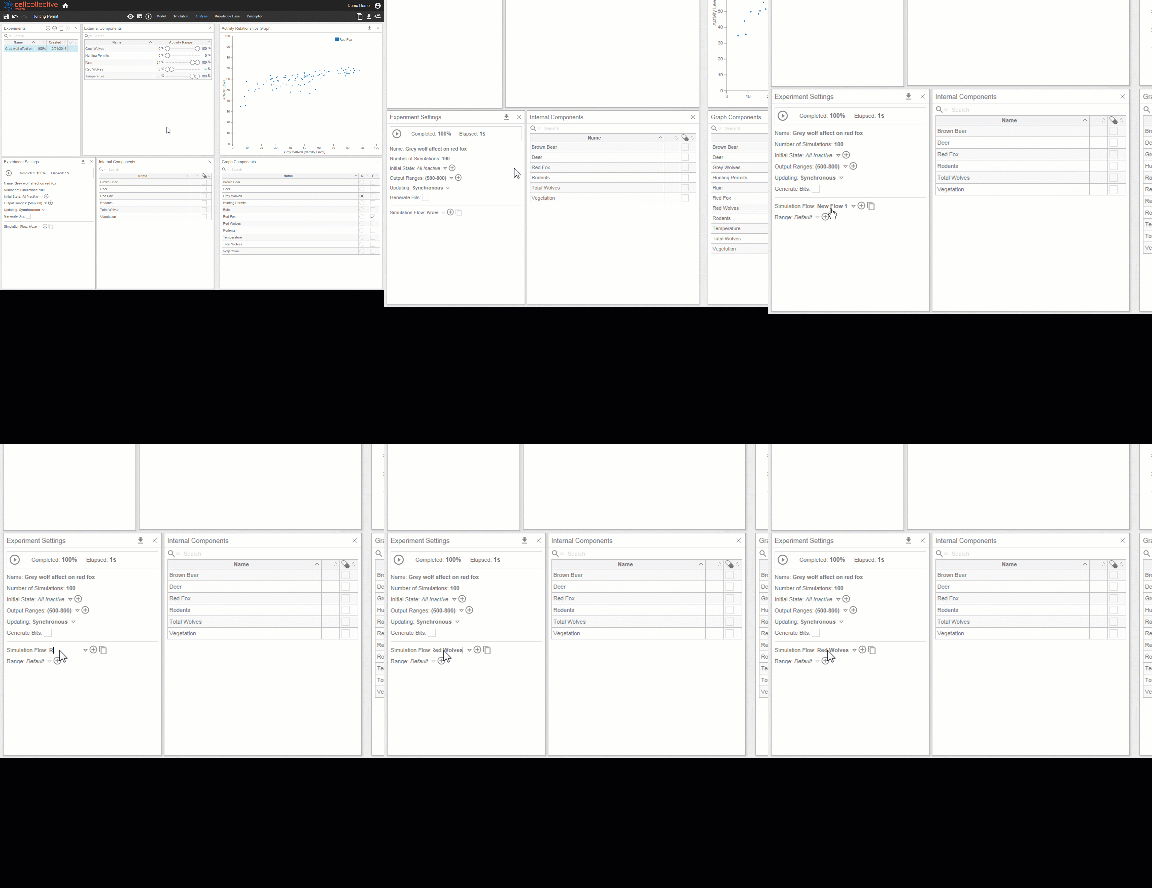
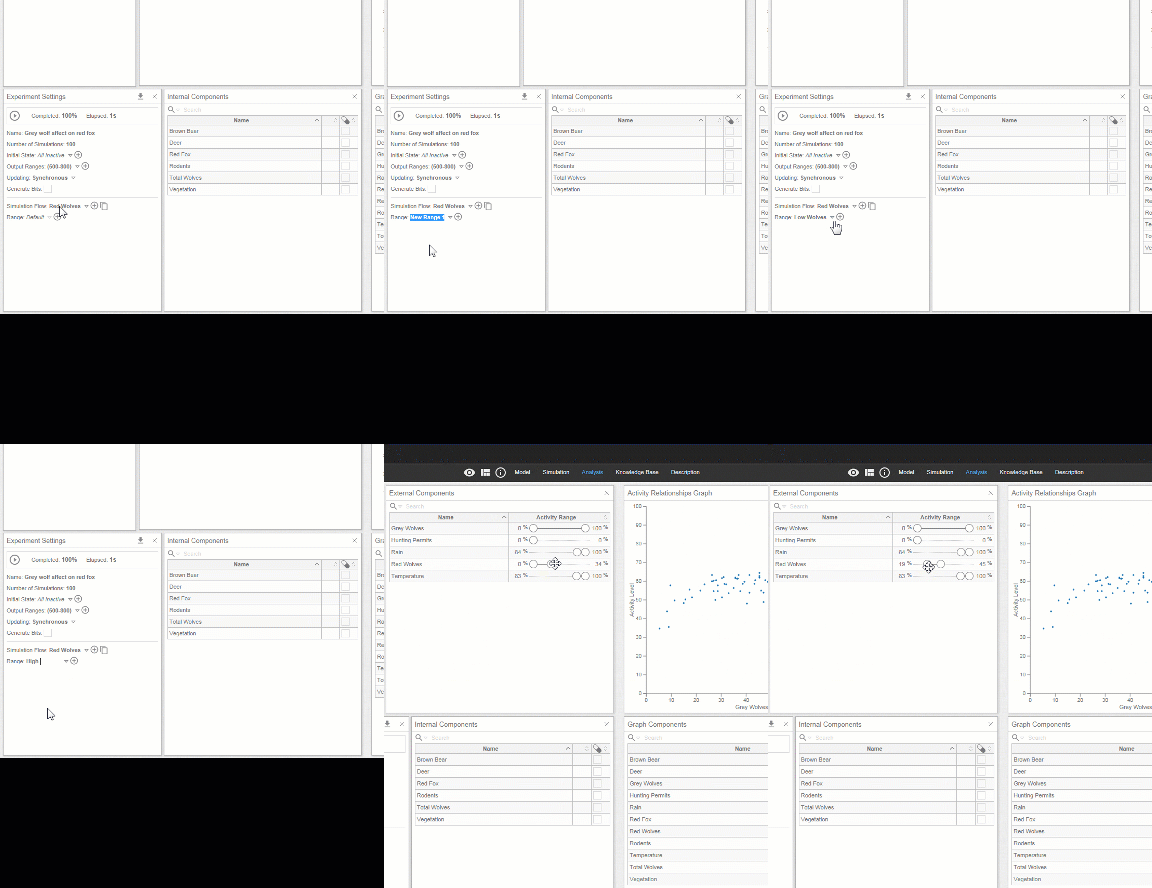
2. Multiple ranges for the external conditions may be added. You may rename the range by clicking on the form field. Once a specific range is selected, you may define the the activity levels for the simulation inputs for the selected flow directly using the External Components panel
3. Create and specify the time points you want each flow to occur in using the sliders
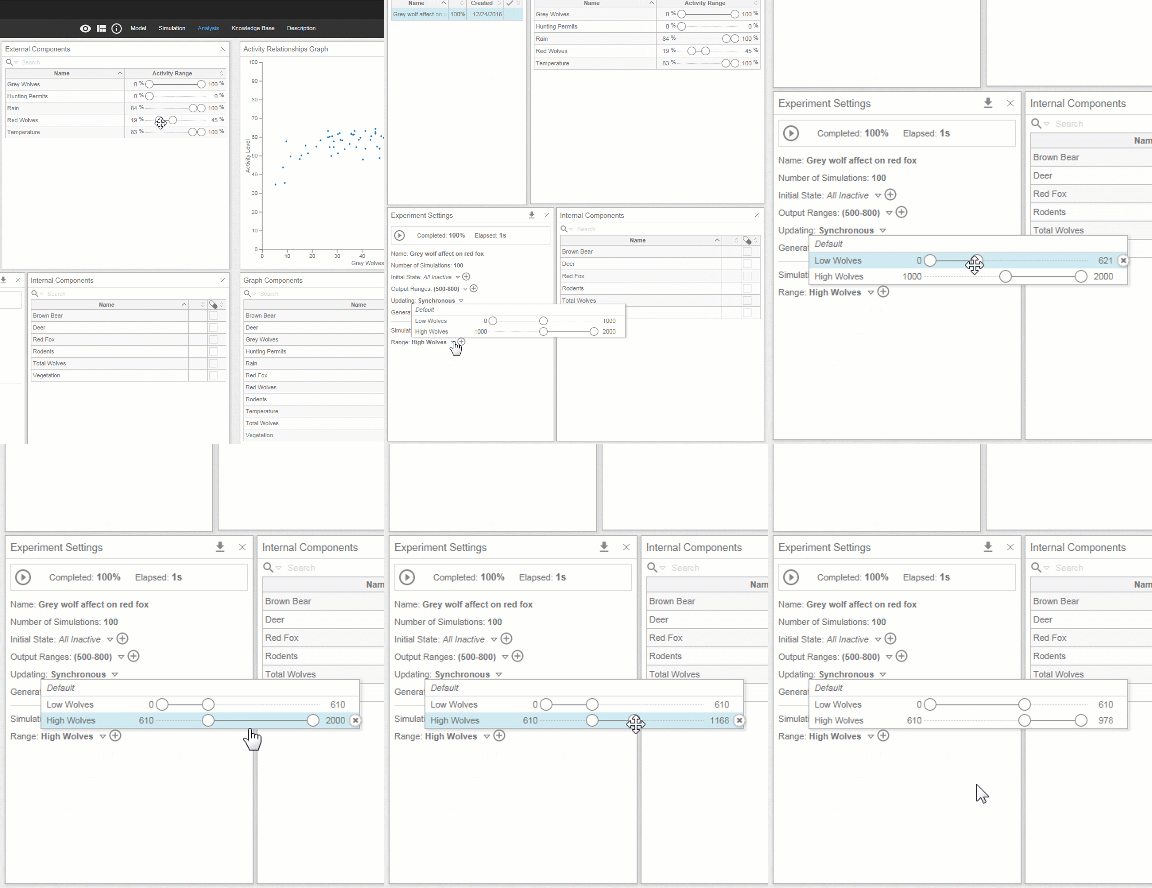
4. Notice that switching between different flows changes the inputs in the External Components panel.