
Add or Remove External Components
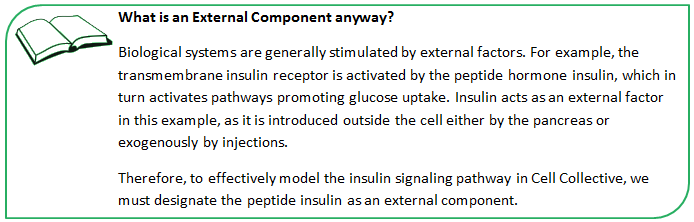
What is an external component and how to add or delete them? Read further!
Add External Component
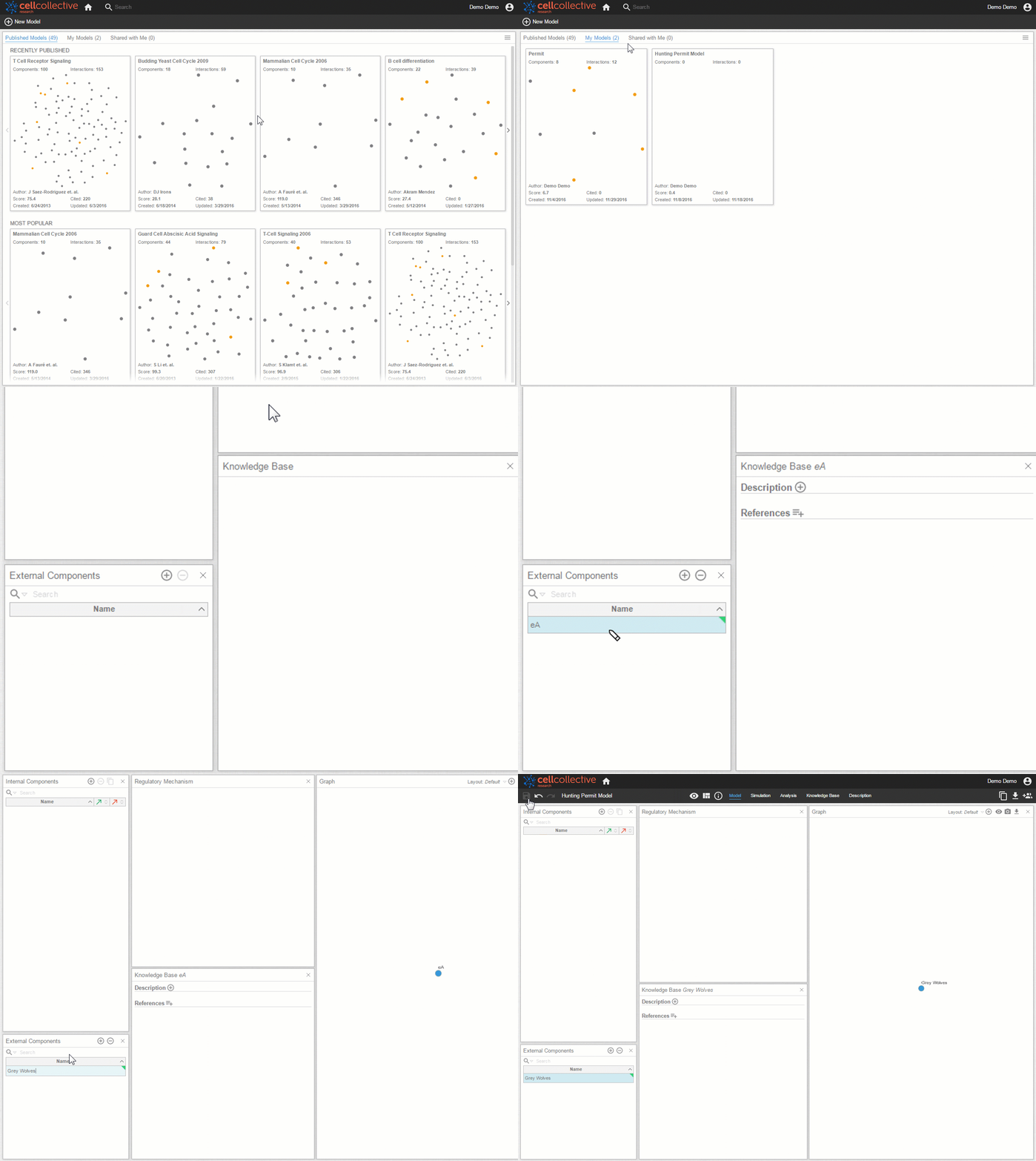
- Create a new model or open an existing model from the My Models page.
- From the Model page, find the External Components panel and click on

- A component with a generic name (such as eA) will appear on the list of External Components. Click on the form field to rename.
Remove External Component
Accidently added an external component? Here’s how to get rid of them
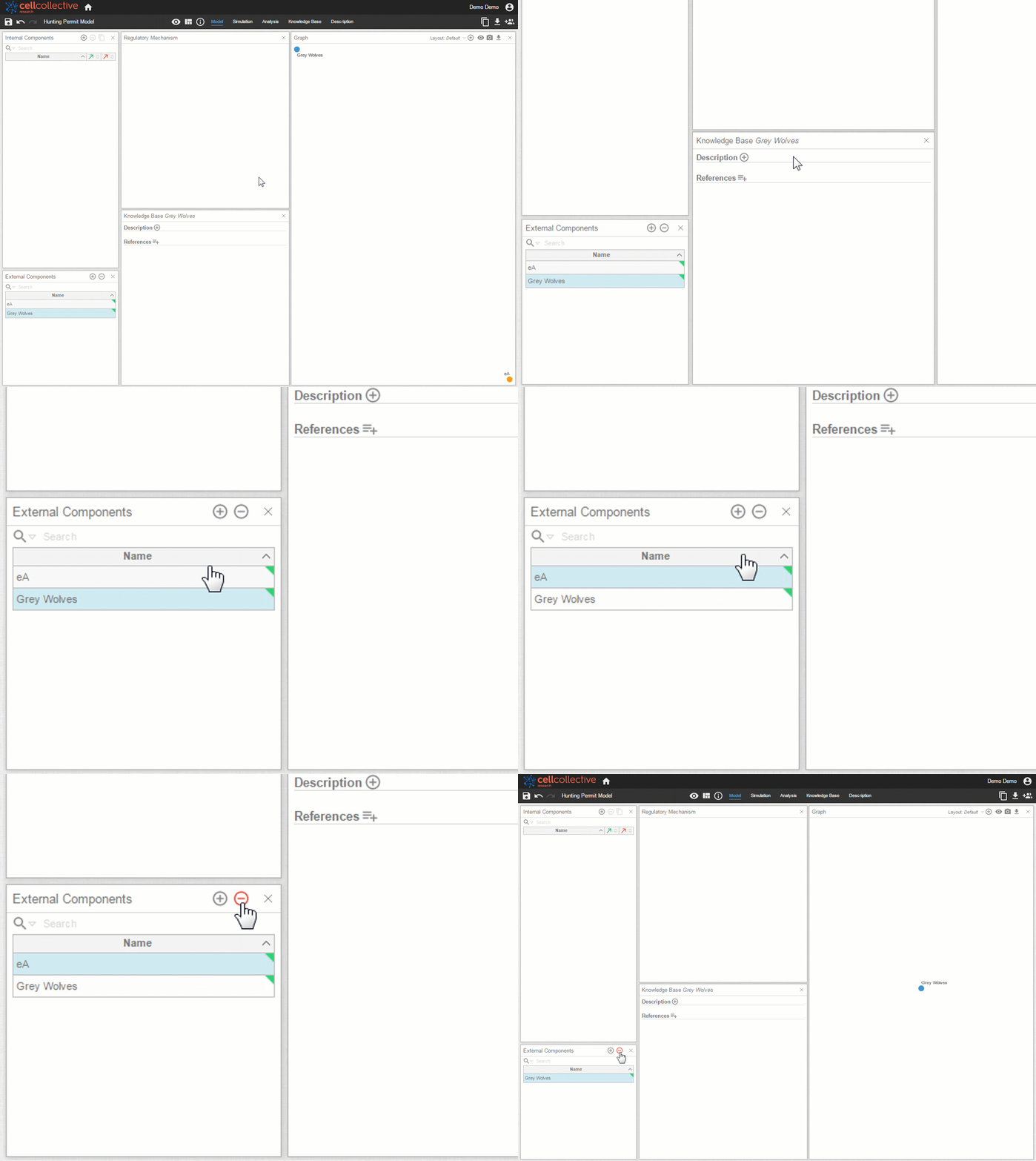
- From the list of External Components, select the external component you would like to remove
- Once the external component is highlighted, click on

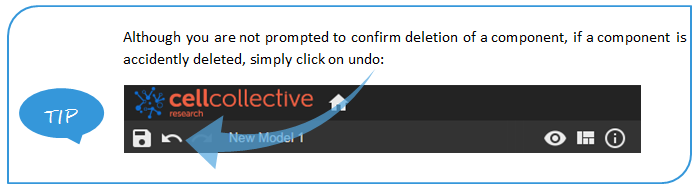
- The previously selected external component will immediately be removed - no warning prompts here!
Related Articles