
Shareable Links
Creating a shareable link allows you to share a model with anyone (even those without a Cell Collective account) via a unique URL. A shared link will open the most recent version of the model, meaning if you make changes to the model after creating the link, the recipient will see the changes automatically without having to create and share a new link.
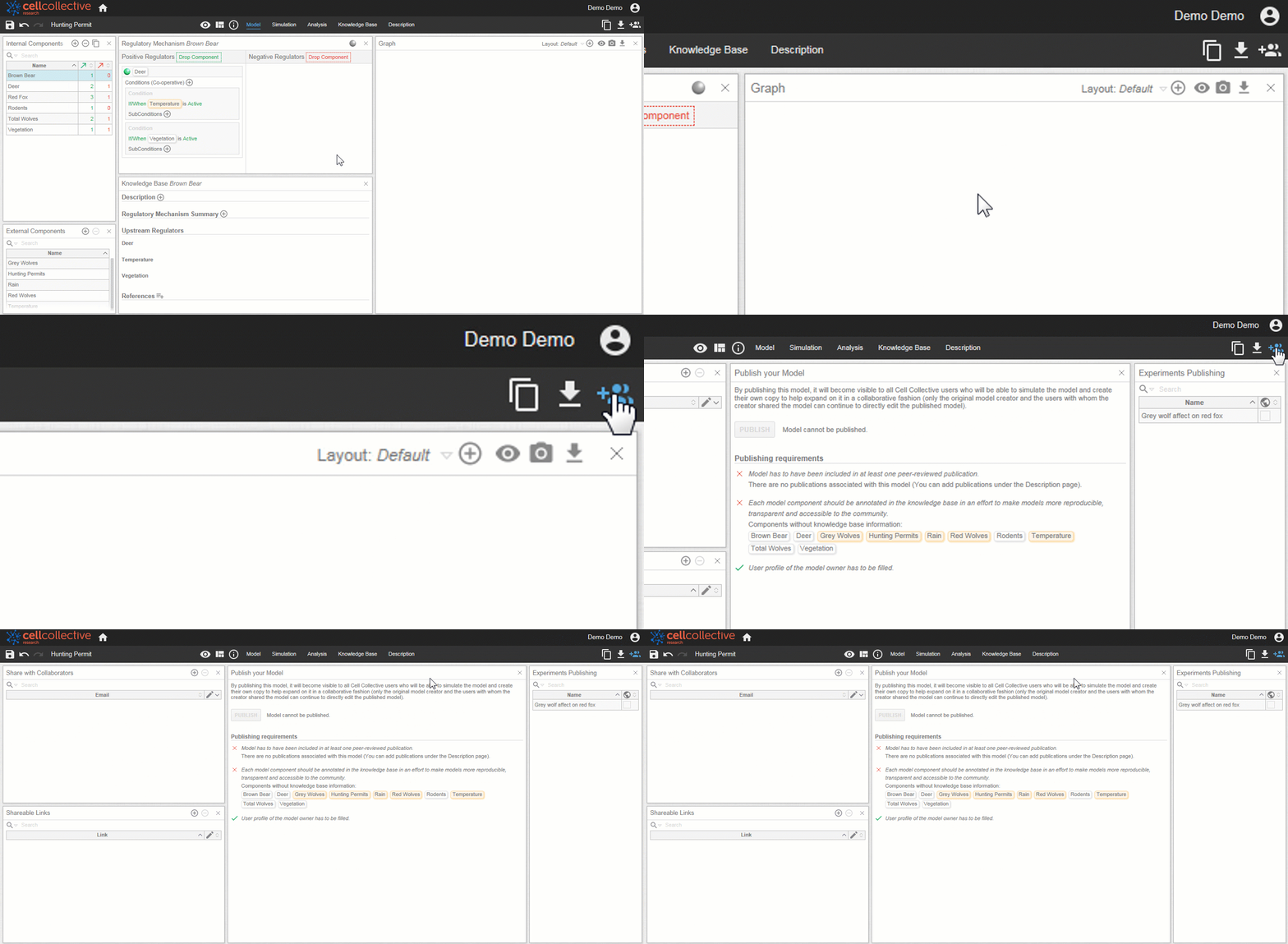
- After opening a model, click on
 from the toolbar to open the Share page
2. Locate the Shareable Links panel, and click on  to create a unique URL link
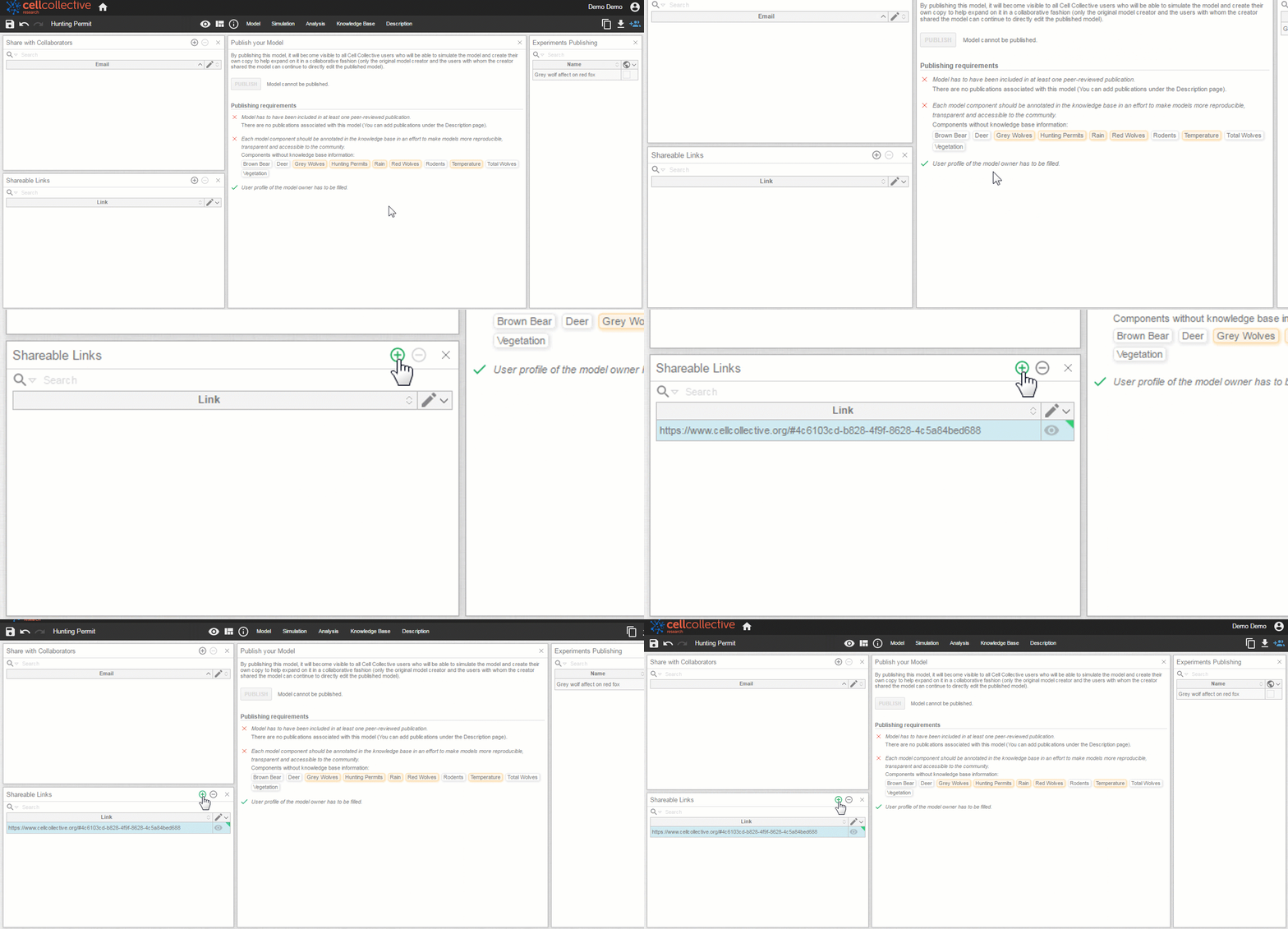
3. After creating the link, click on  to save and activate the link
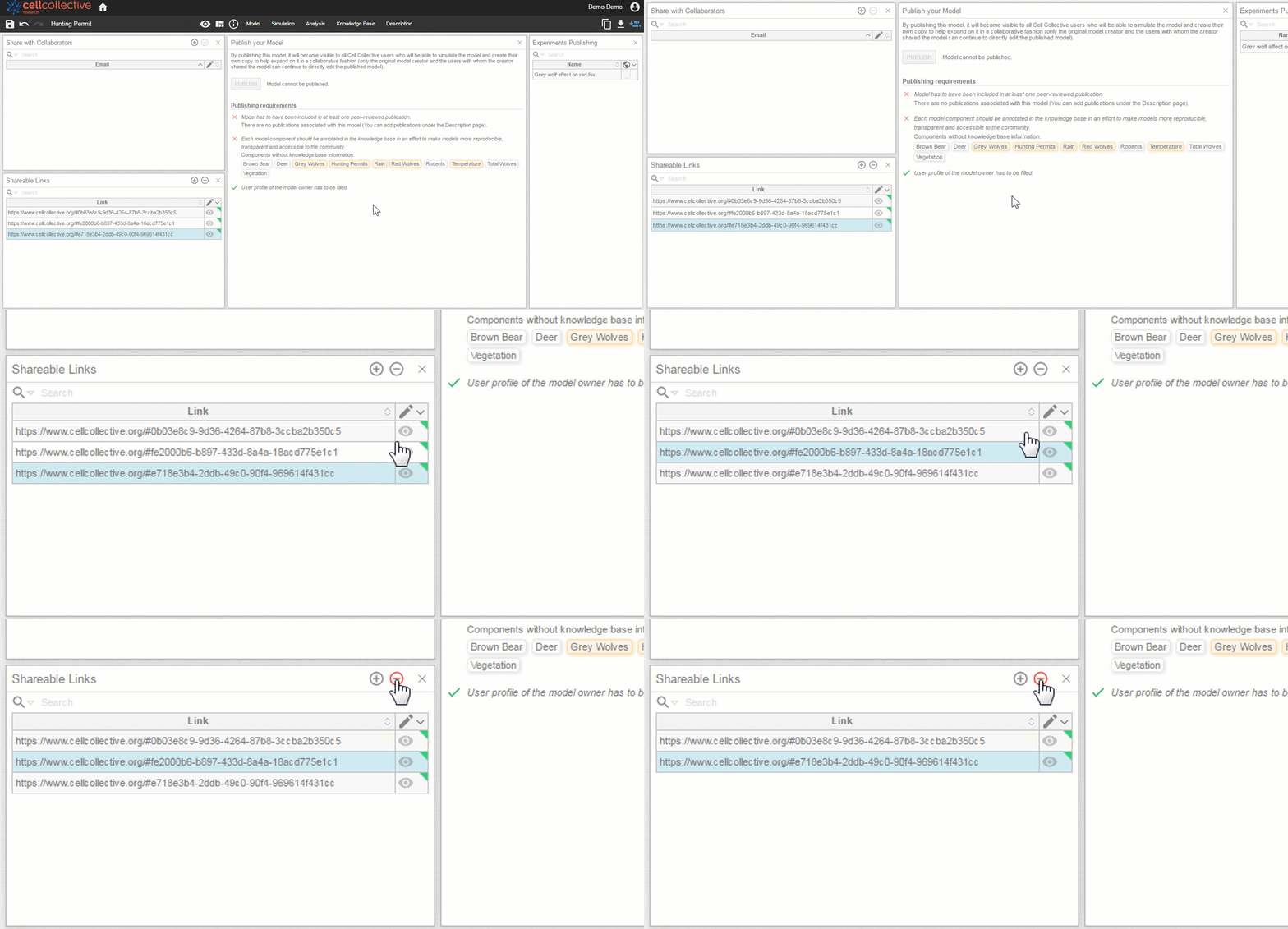
Remove Link
To remove a link, simply select it from the list and click on 

Related Articles