
Add or Remove a Negative Regulator
Wolves hunting Deer or a Phosphatase inactivating a Kinase, either way, these are negative regulators. Here’s how to add Negative Regulators.
Add a Negative Regulator
- Navigate to the Model page and open the Regulatory Mechanism panel of the Component you are defining.
- From the list of Internal Components or External Components drag and drop the negative regulator to the Drop Negative Component dialogue box
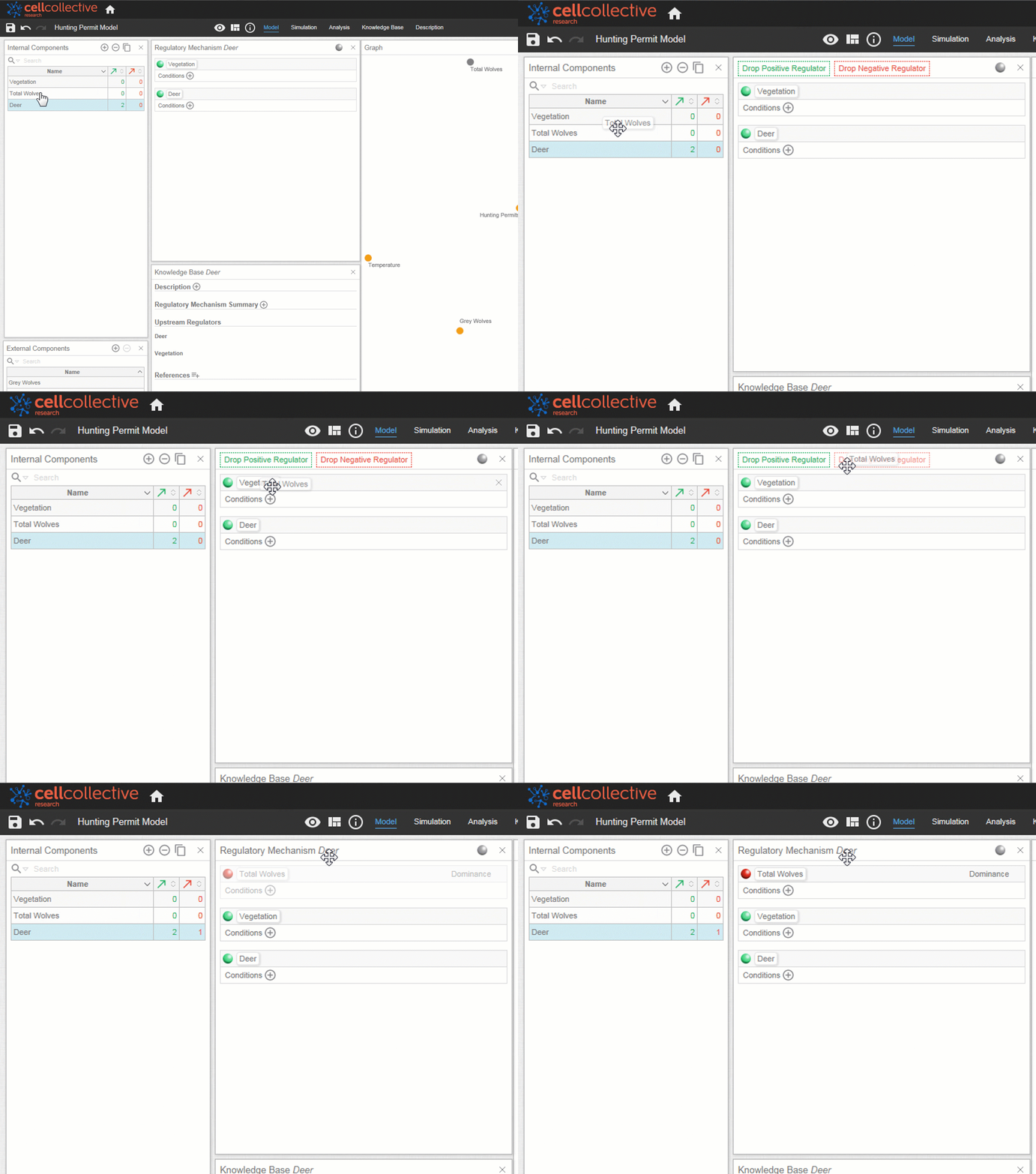
Remember, negative regulators can be Internal Components or External Components. Examples of negative external regulators are various drugs and medications that inhibit enzymes such as benazepril and celecoxib.
Remove a Negative Regulator
To remove a negative regulator, simply hover over its panel and click on the x
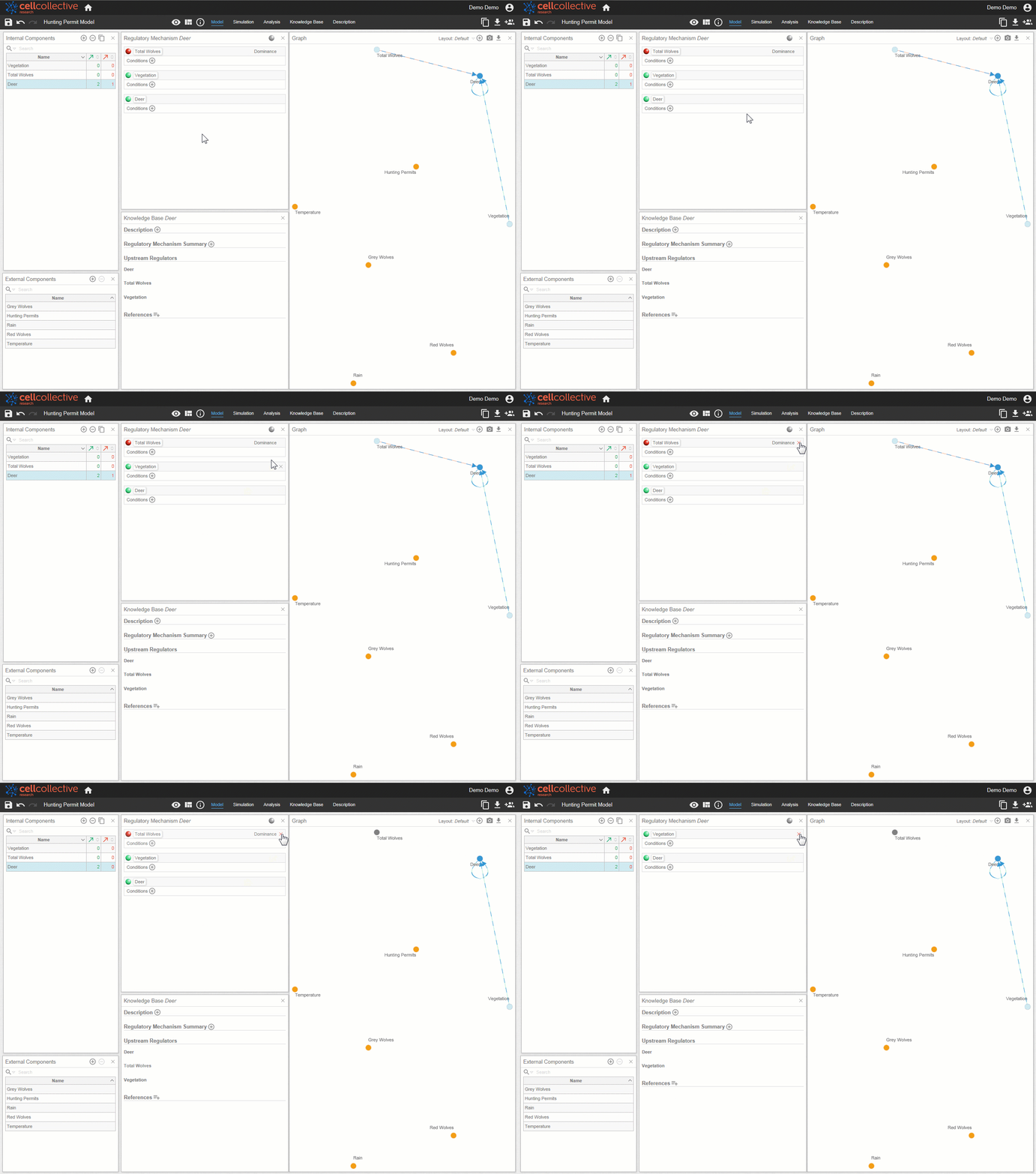
When adding negative regulators, be sure to specify Dominance. To learn more, take a look at the tutorial “Defining Dominance”.
Related Articles