
Share with Collaborators
Collaboration amongst laboratory scientists working in different areas of complex biological processes is key to new discoveries using the systems approach. This tutorial will show you how to share and invite collaborators to a model.
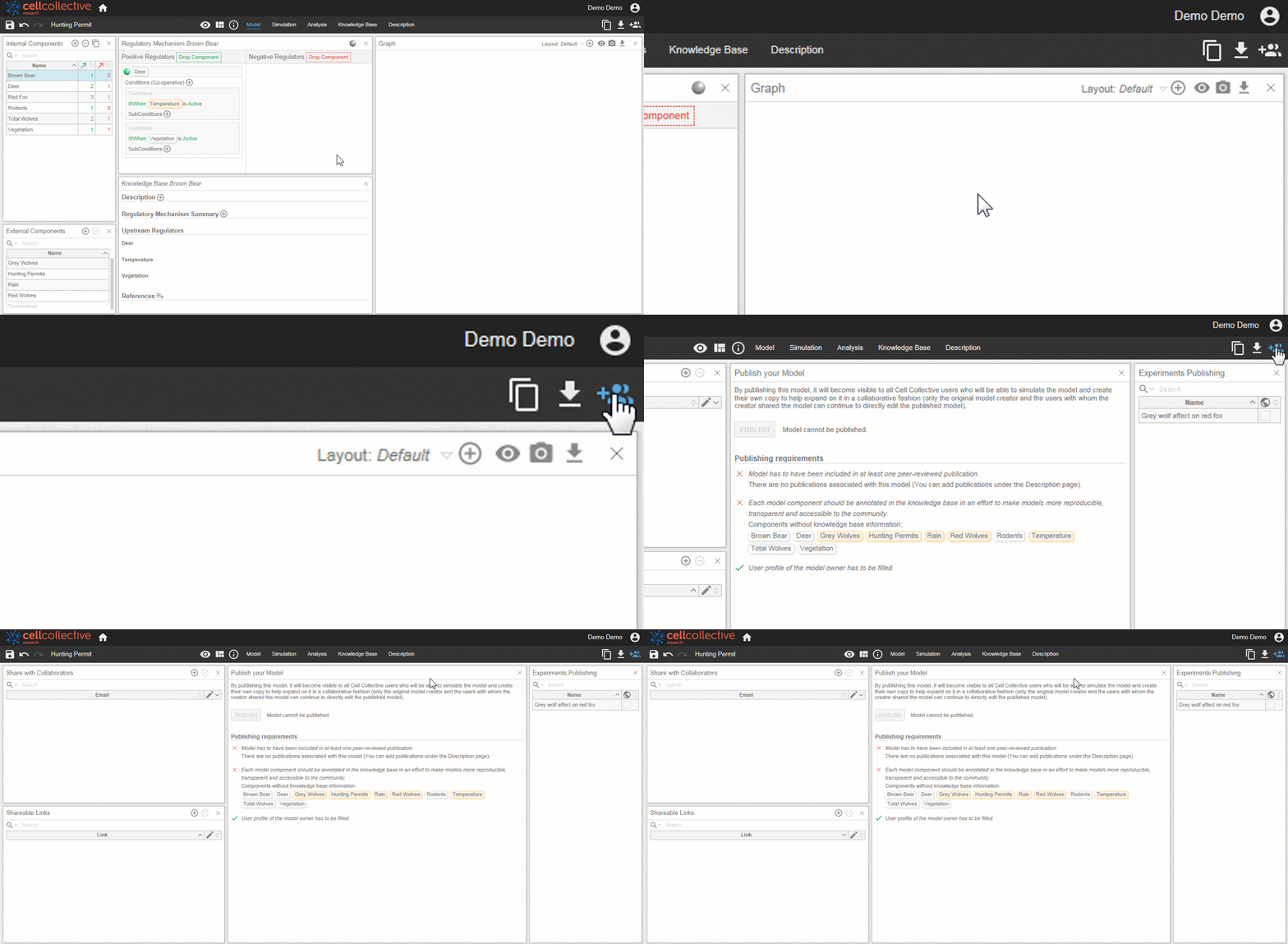
- After opening a model, click on
 from the toolbar to open the Share page.
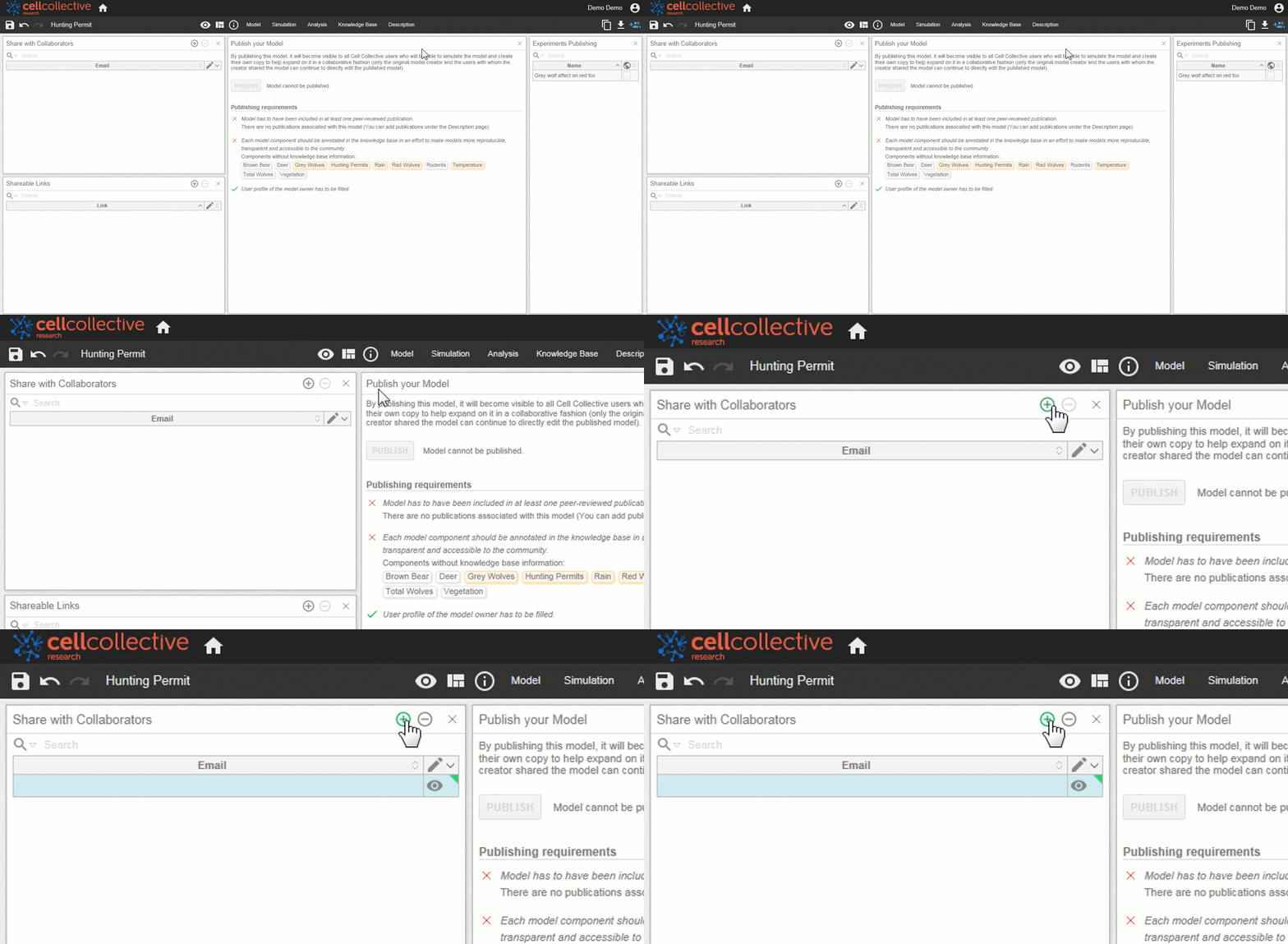
2. Locate the Share with Collaborators panel, and click on  to add a new collaborator
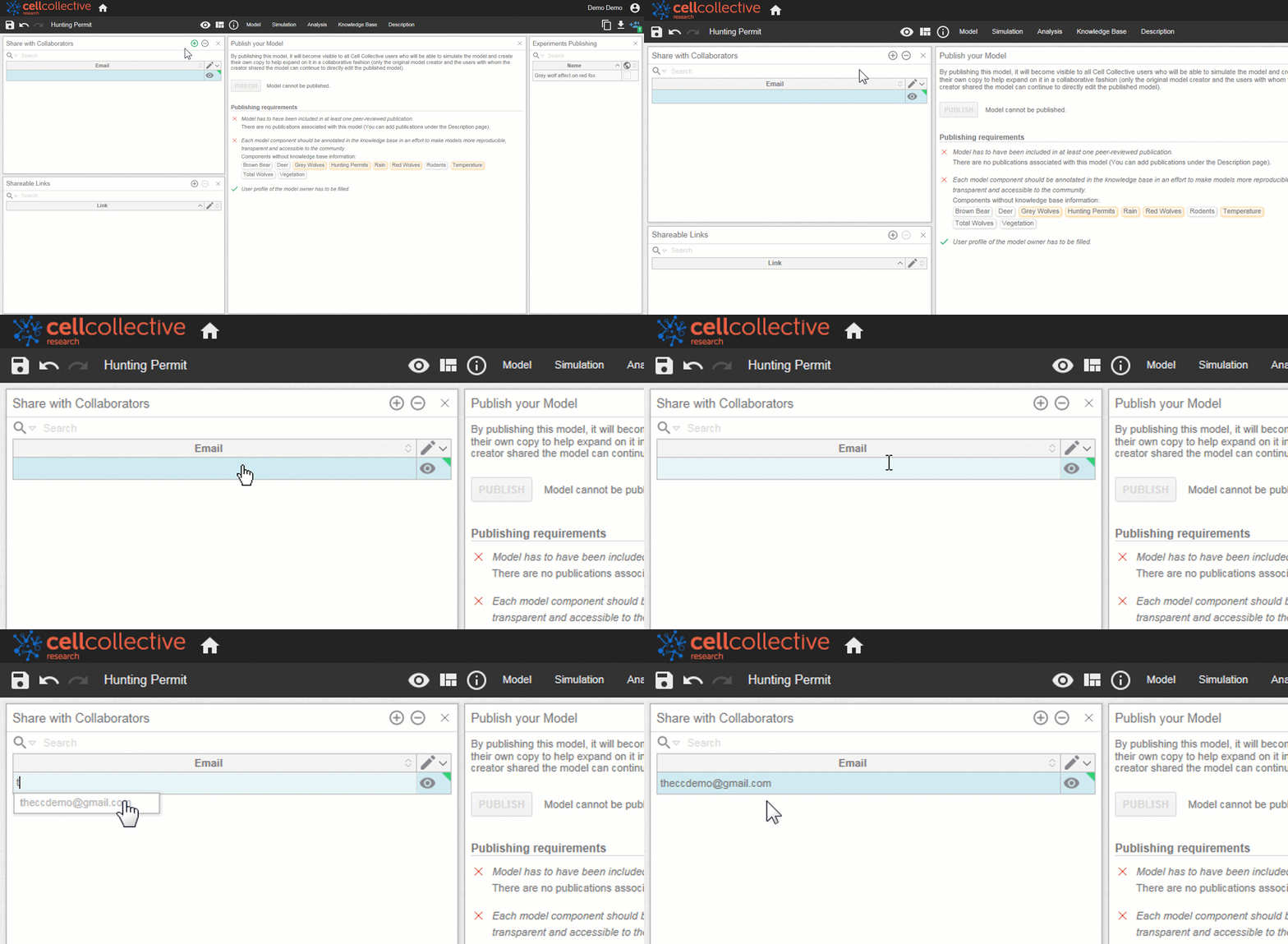
3. Click on the form field and enter the email address of the collaborator you would like to add. Once an email address is added, an invitation to join the model will be sent to the collaborator's email address.
- Collaborators can have different access levels, as shown below
 collaborator can view but is not able to make edits to the model
 collaborator may edit the model (regulatory mechanisms, knowledge base, etc.) but does not have administrative control over the model
 collaborator may edit the model and make changes to collaborators, remove or publish models, etc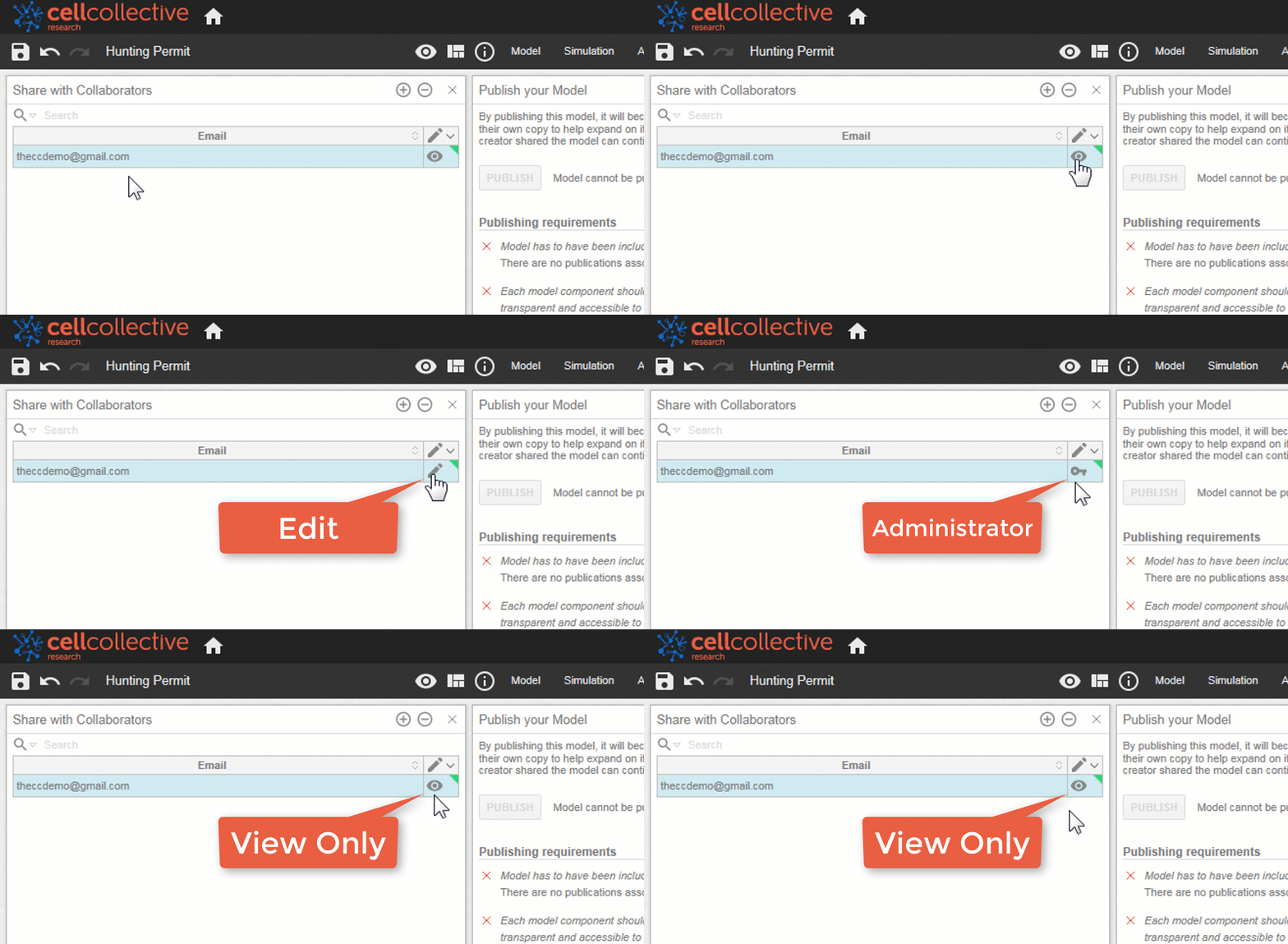
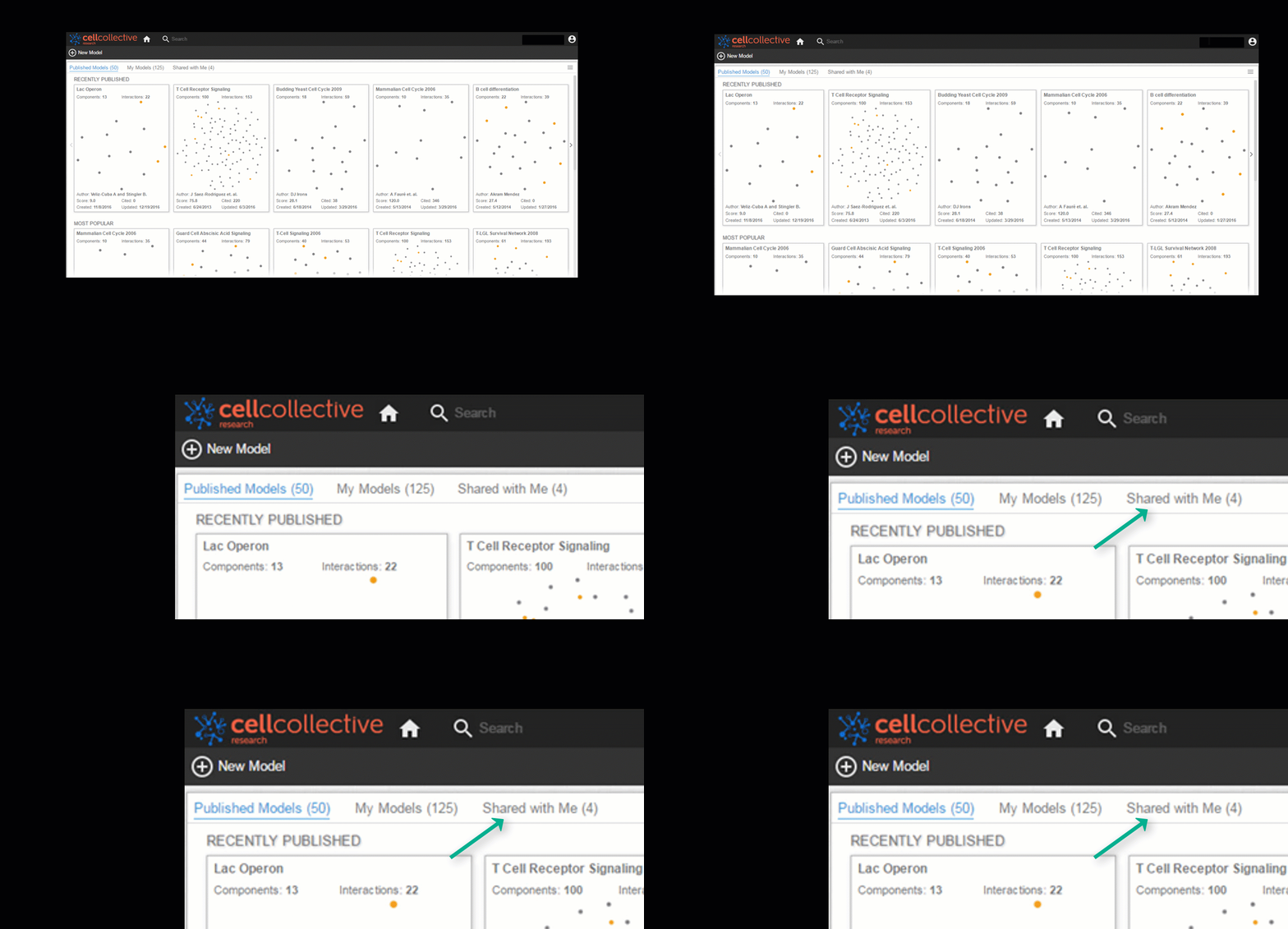
2. After accepting the collaboration invite email, the recipient may access the shared model under the Home Screens, Shared with Me page
Remove Collaborator
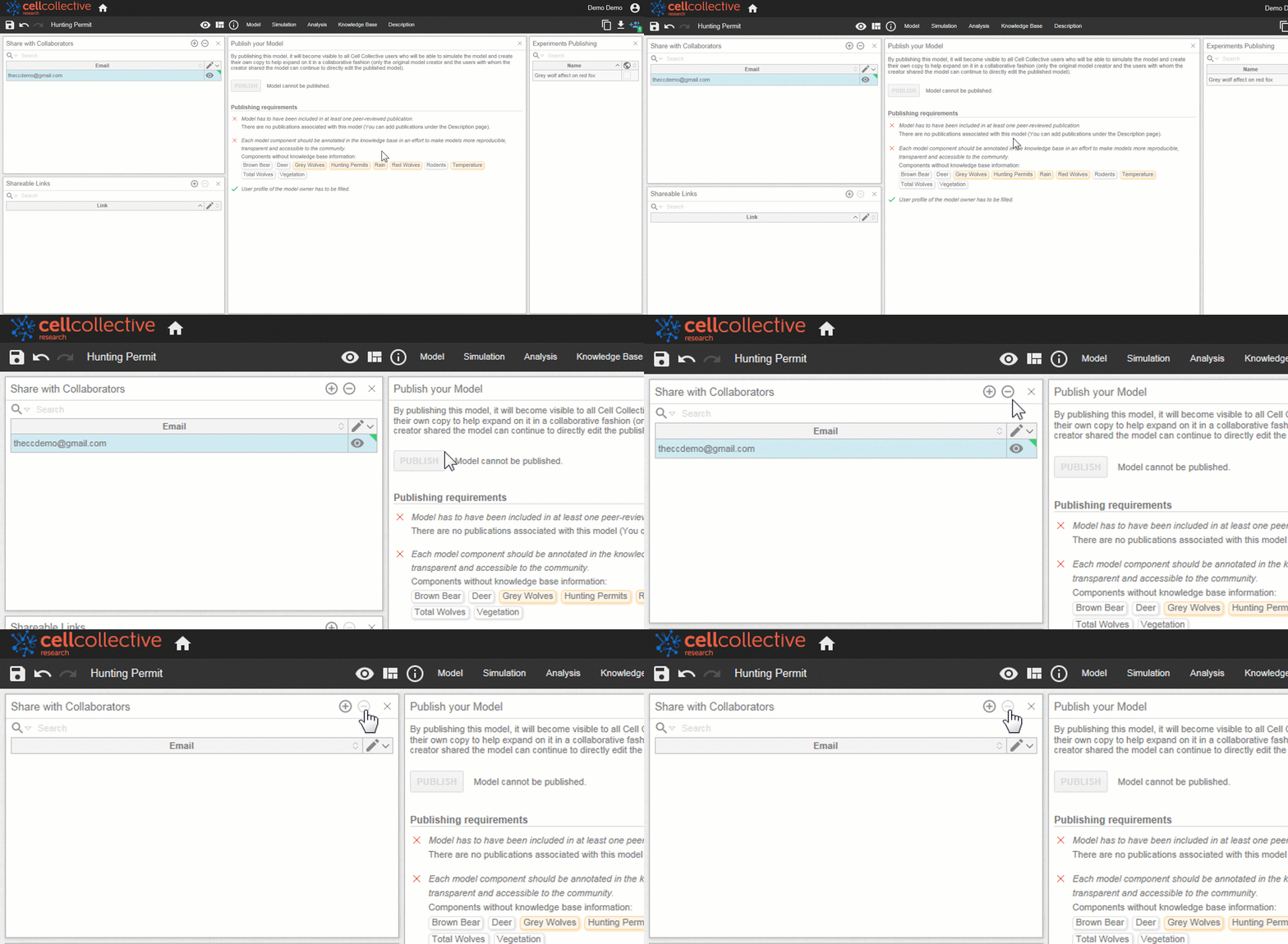
To remove a collaborator, simply select it from the list and click on 
Related Articles